How to Save and Download Your Anime & Mangas
On this page
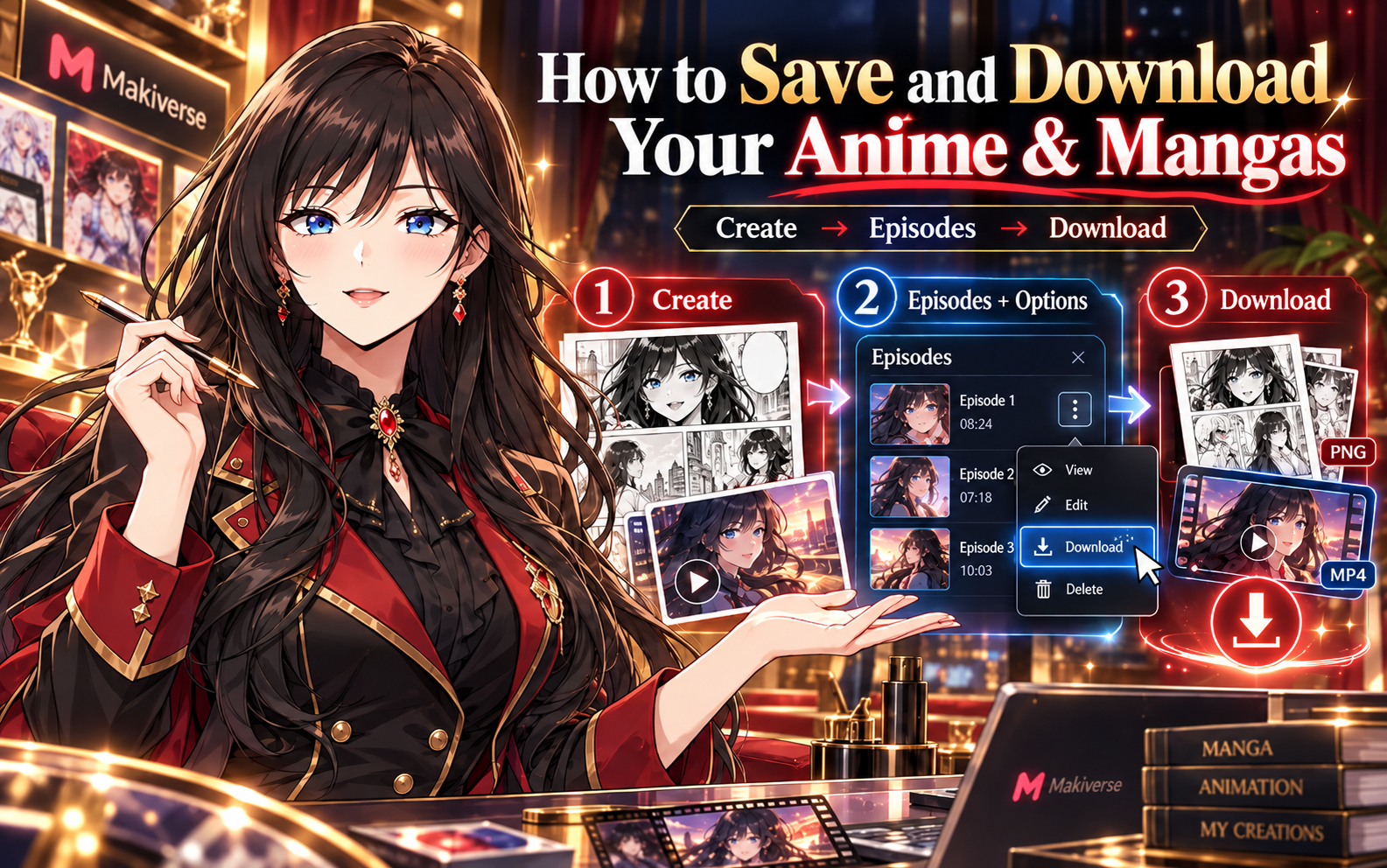
The Comics & Movie Maker AI Agent helps you create Manga and Anime in Makiverse.
Once your creation is ready, you can download it directly to your device.
The download process follows the same basic steps for both Manga and Anime.
How to Save Your Creations
Step 1: Open Create
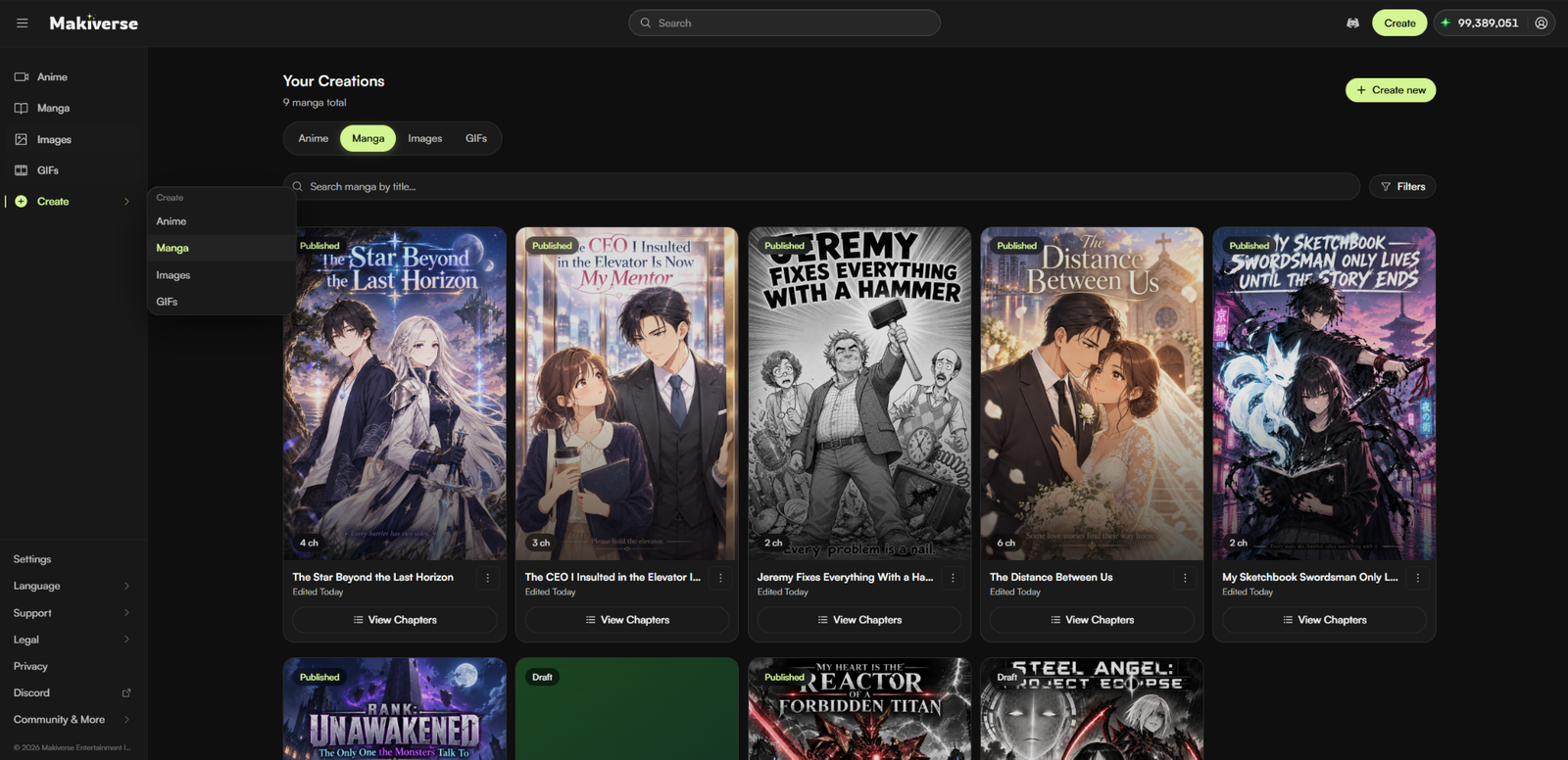
Open Makiverse and click Create.
Select the creation type you want to open.
Step 2: Go to Episodes and Open Options
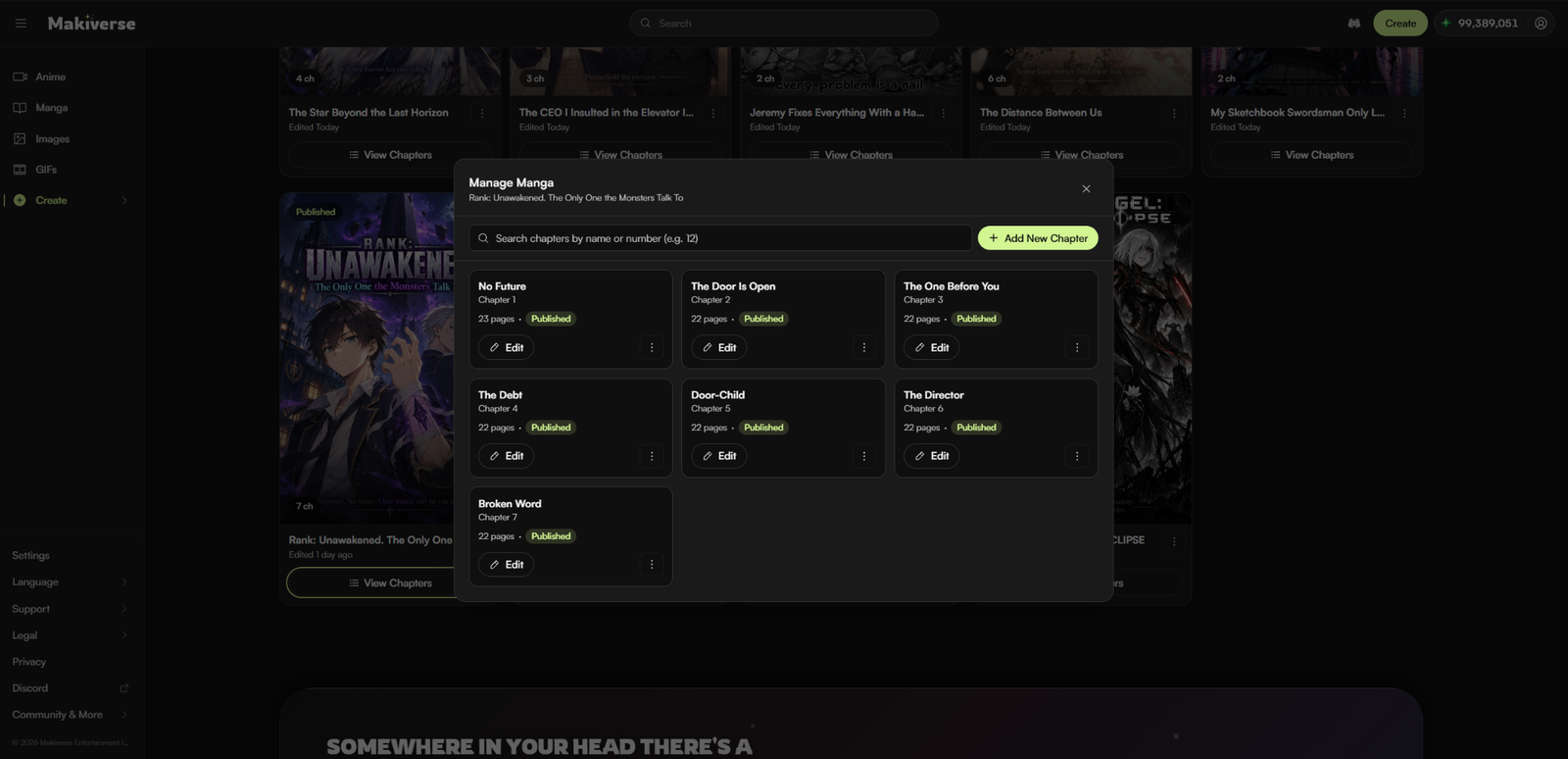
Go to Episodes and find the creation you want to download.
Click the three-dot menu (⋮) to open the available options.
Step 3: Download
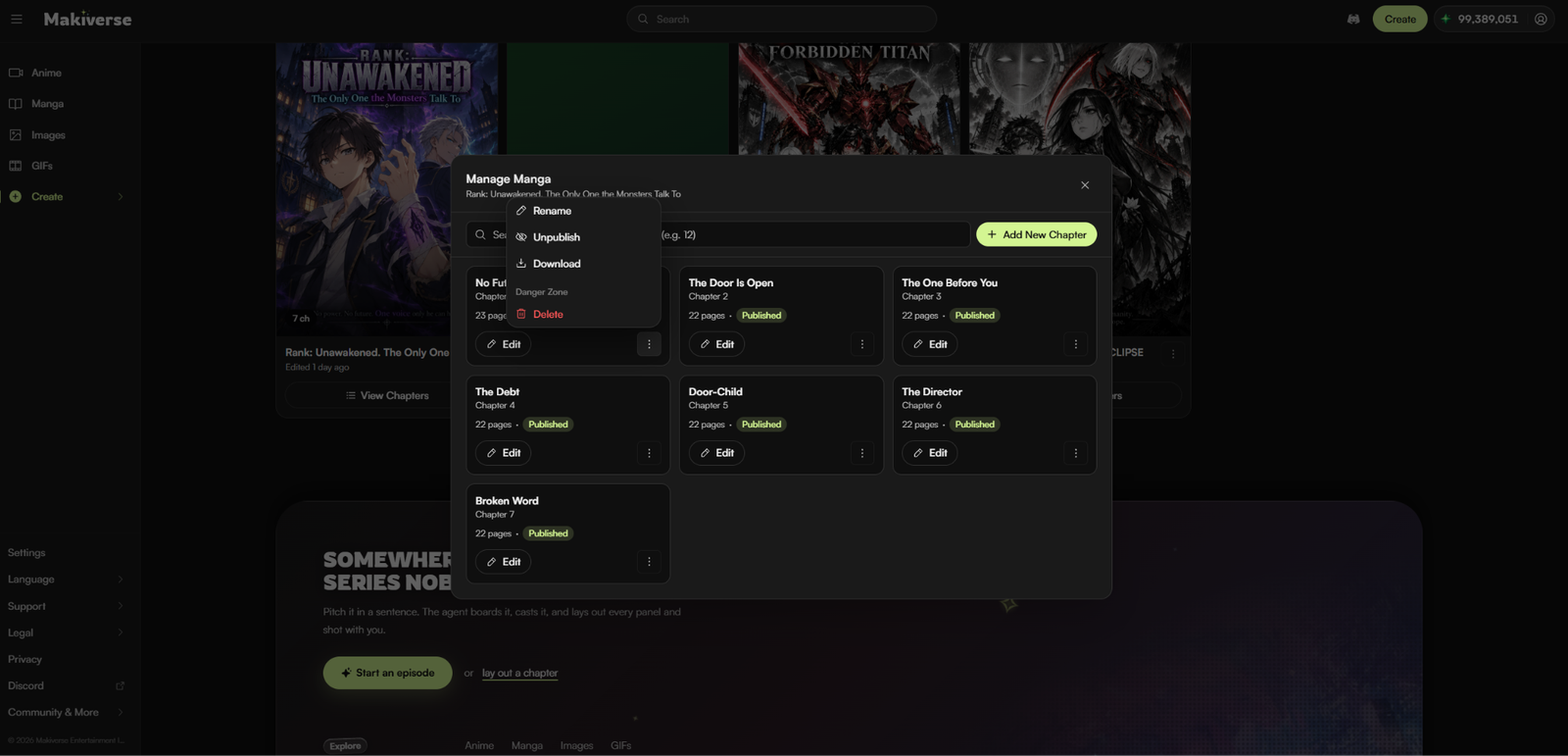
Click Download.
Your creation will be downloaded to your device.
Tips for Saving and Downloading
- Review your creation before downloading
Make sure your Manga or Video is complete and ready to save. - Check the correct Episode
If your creation includes multiple Episodes, open the one you want to download before selecting Download. - Use the three-dot menu
The download option is available from the Options menu for the selected creation or Episode. - Confirm the download finishes
Check your device’s Downloads folder or browser download list to make sure the file was saved successfully. - Keep finished files organized
Rename or organize downloaded files on your device so they are easier to find later.
Need Help?
If your download does not work as expected, contact Makiverse Support for help.
To help the team review the issue, include:
- A brief description of what happened
- The type of creation you were trying to download
- A screenshot of the issue, if available