How to Edit Your Makiverse Profile
On this page
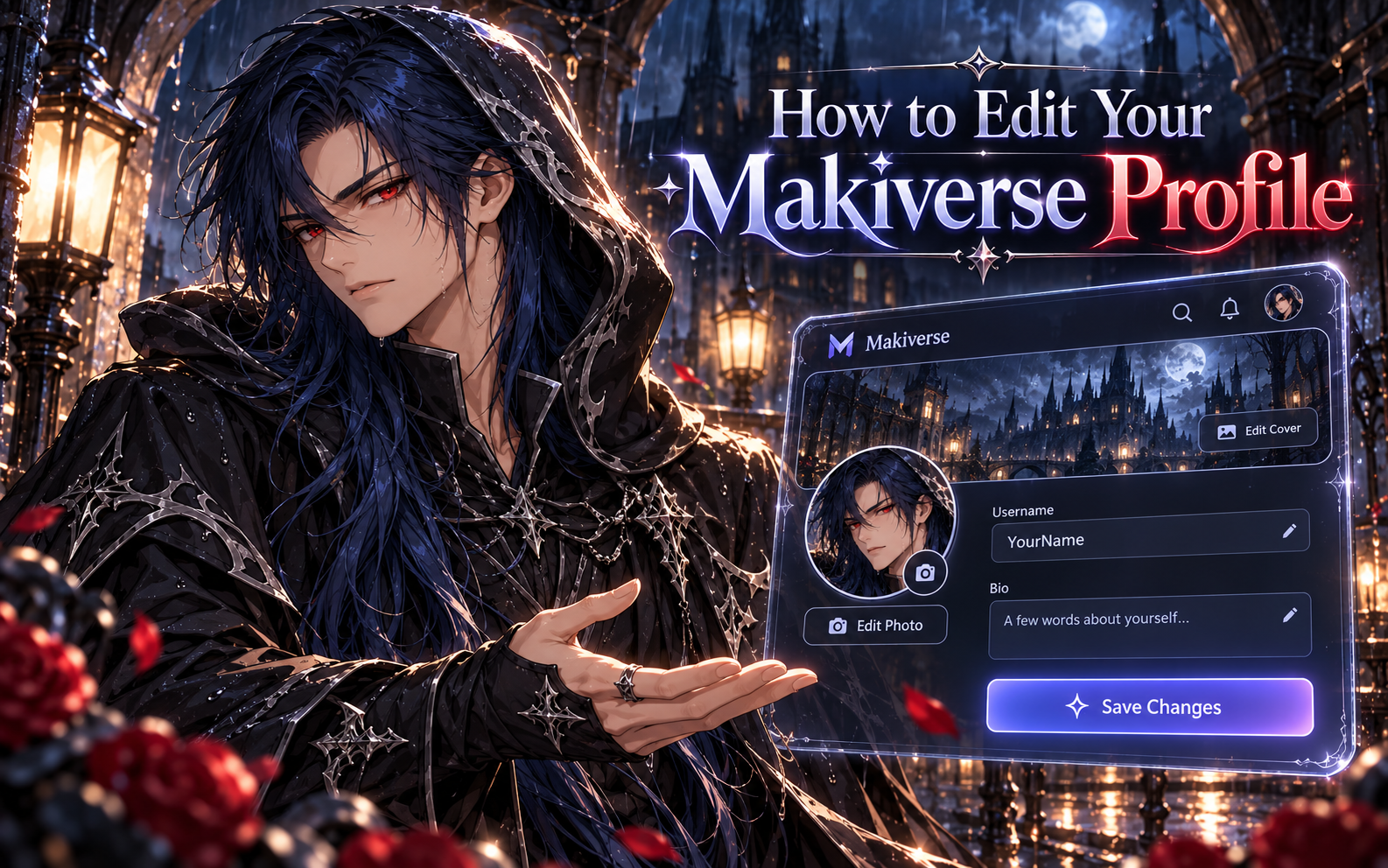
You can update your Makiverse profile to personalize how you appear to other creators.
From your profile, you can:
- Change your profile picture
- Add or change your cover photo
- Update your username
- Add or edit your bio
This guide walks you through how to edit your Makiverse profile.
How to Edit Your Profile
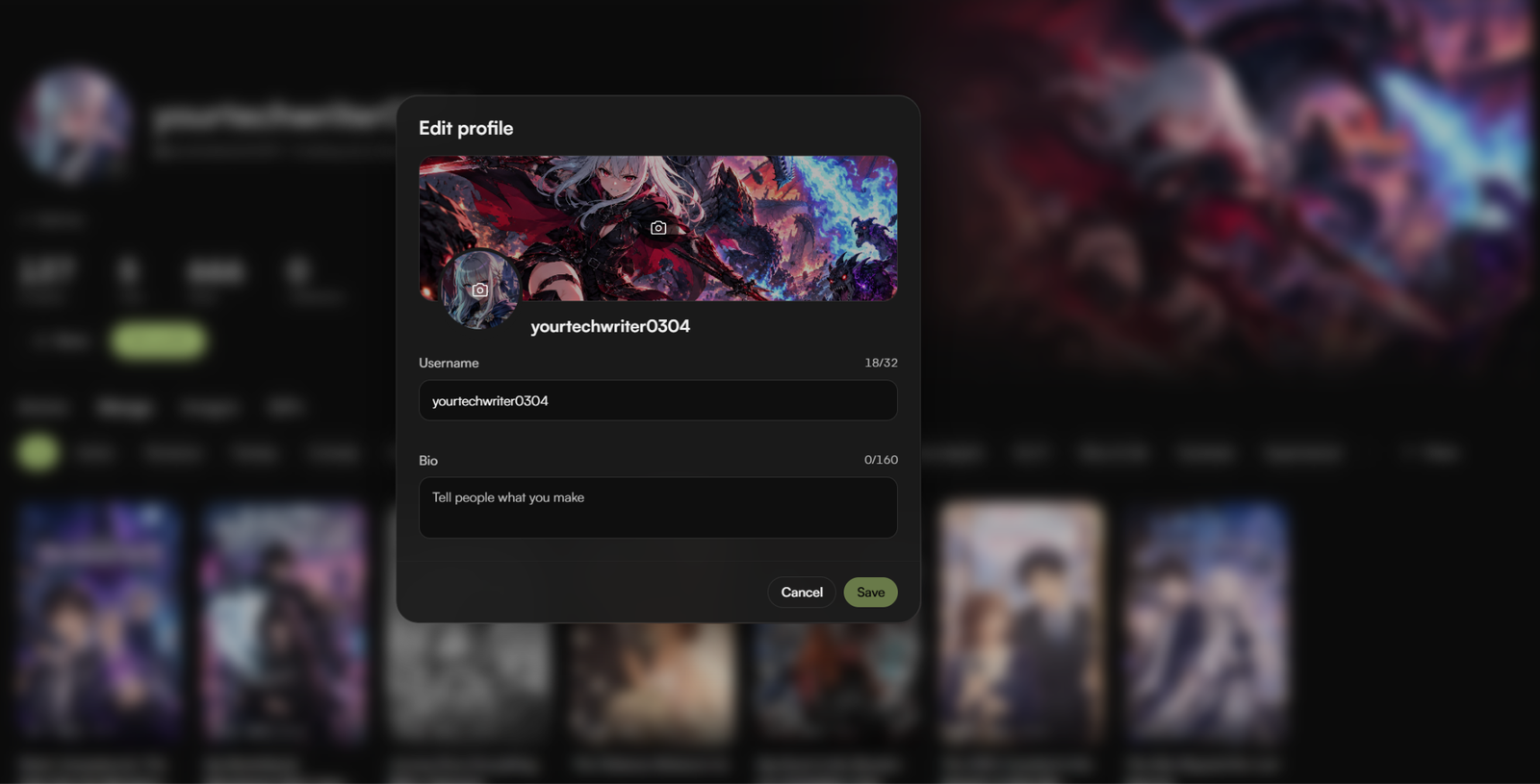
Step 1: Open Your Profile
Log in to your Makiverse account.
Go to your Profile page.
Step 2: Click Edit Profile
On your Profile page, click Edit profile.
This opens the Edit profile window, where you can update your profile details.
Step 3: Add or Change Your Cover Photo
At the top of the Edit profile window, click the Cover Photo image area.
Select the image you want to use as your cover photo.
Once selected, the new image will appear as your profile cover.
Step 4: Add or Change Your Profile Picture
Click the Profile Picture image area.
Select the image you want to use as your profile picture.
Once selected, the new image will appear on your profile.
Step 5: Update Your Username
In the Username field, enter the name you want to display on your profile.
Make sure your username follows any character or length limits shown in the field.
Step 6: Add or Edit Your Bio
In the Bio field, enter a short description about yourself or what you create.
You can use your bio to tell other creators more about your content, interests, or creative style.
Step 7: Save Your Changes
After updating your profile details, click Save.
Your changes will be applied to your Makiverse profile.
Tips
Choose Clear Images
Use a clear profile picture and cover photo so your profile looks polished and easy to recognize.
Keep Your Bio Short and Relevant
A short bio can help other creators quickly understand what kind of content you make.
Review Before Saving
Double-check your username, bio, and images before clicking Save.
Need Help?
If you are unable to update your profile or your changes do not save correctly, contact Makiverse Support.
When submitting your request, include:
- Your Makiverse account email
- A short description of the issue
- A screenshot of the profile editing screen, if available
- Any error message you received